Service, price, staff, or schedule changes begin in Admin.
Website Modernization and Business Web App Development
Turn your website into a business control platform.
We transform outdated, developer-dependent websites into modern web applications with secure administration, connected records, and optional operations tools your team can actually use every day.
Modern website first. Secure Admin next. Command Center when you are ready to run more of the business from one place.
Modern design. Secure administration. Business tools built for the way you operate.
Modern WebsiteAdminCommand Center
Modern Website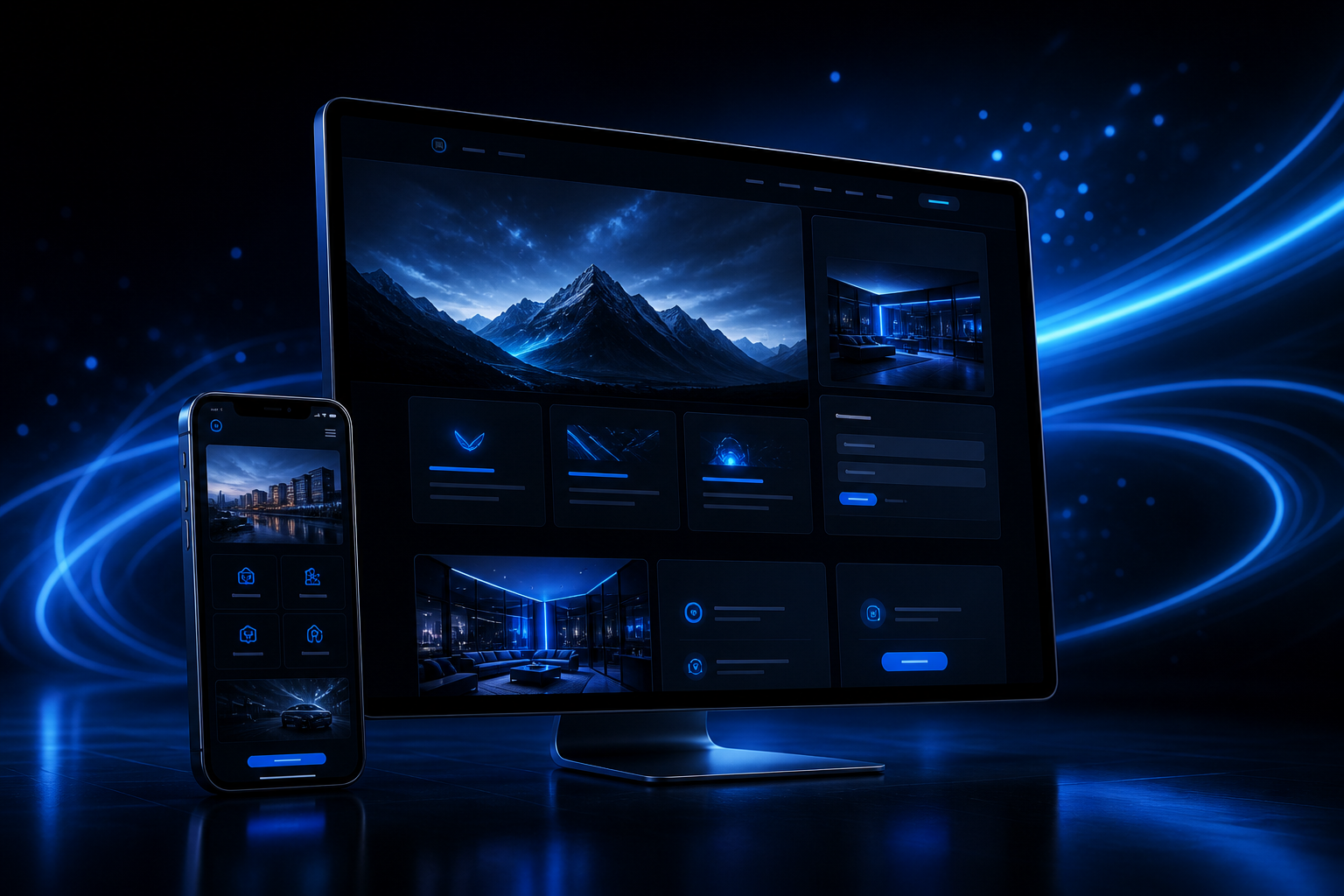 Modern customer experience
Secure Admin Console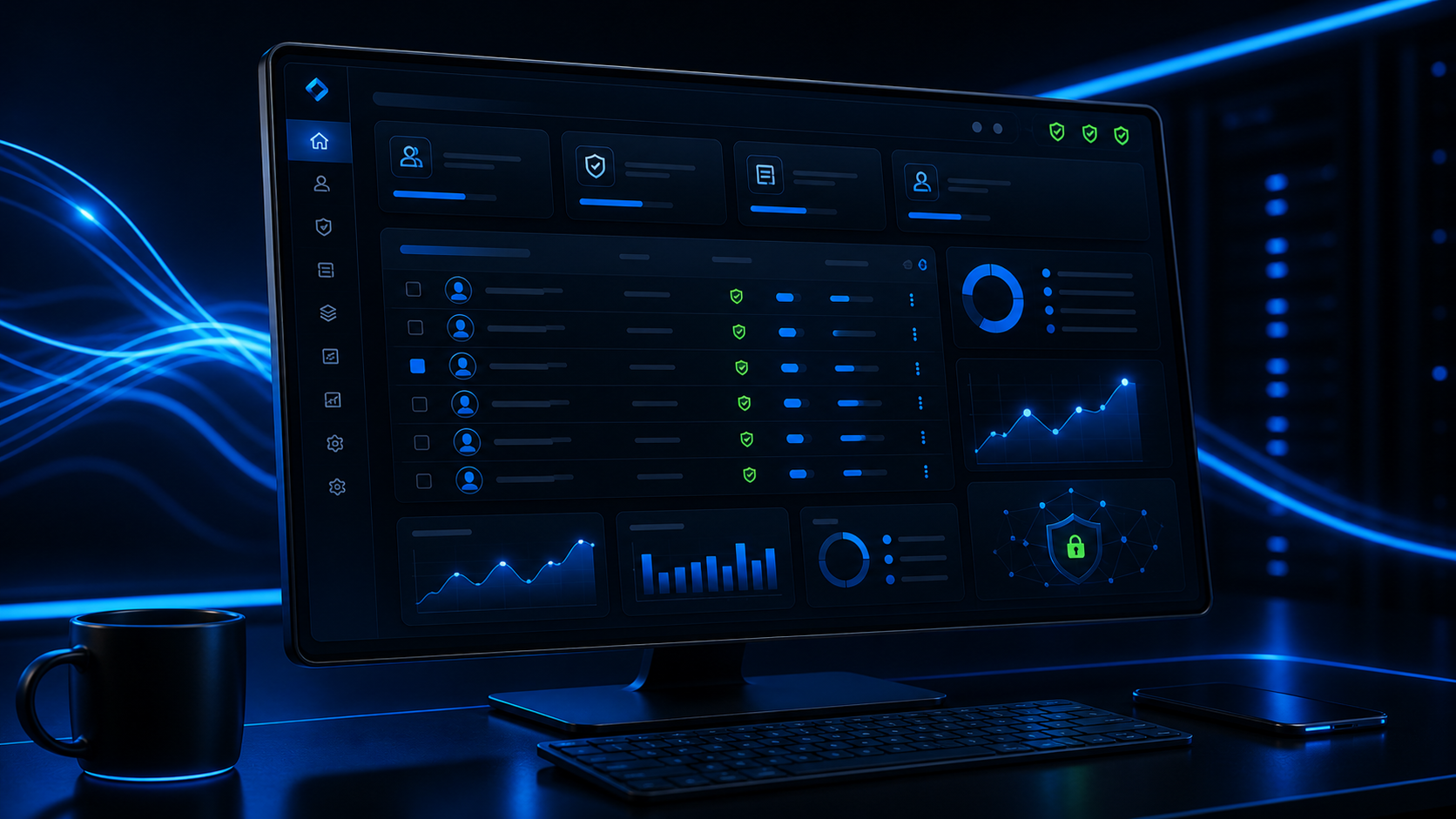 Your team updates approved records
Business OS Today's attention list
Approved updates appear on the public website without a routine developer request.
Important activity becomes a Command Center card your team can review and resolve.

The Problem
Your website should not be holding your business back.
An outdated website does more than make your business look behind the times. It can make everyday updates slow, expensive, and unnecessarily dependent on a developer.
Your website should be a working business asset, not a recurring editing bill.
- Paying for every text, image, price, or staff change.
- Outdated services, schedules, products, or contact information.
- A website that performs poorly on mobile devices.
- Forms and leads that are disconnected from operations.
- Business information scattered across multiple systems.
- No secure staff area for approved content updates.
- No clear view of what needs attention each day.
Transformation
Move from a static website to a platform that feels alive.
Modernization is not simply giving your old website a new appearance. It is an opportunity to rebuild it as a connected platform that can grow with your business.
Before
- Static or difficult-to-edit pages.
- Developer required for routine updates.
- Disconnected forms and business tools.
- Outdated mobile experience.
- Manual processes and duplicate data.
- Limited visibility into leads and activity.
After
- Modern, responsive public website.
- Secure Admin sign-in.
- Direct control over approved website content.
- Centralized forms, services, pricing, staff, and media.
- Optional operating tools for your team.
- Expandable modules and integrations.
- One platform designed around your workflow.

Three-Part Platform
Start with a modern website. Add the control your business needs.
Modern Website
A professional, responsive website designed to present your business, services, products, programs, locations, and calls to action.
- Mobile-first responsive design
- Service and product pages
- Lead and contact forms
- Image and video galleries
- Location pages
- Search-engine page settings
Secure Admin Console
Authorized users manage the content, records, products, services, and workflows included in the Admin Console.
- Pages and website sections
- Services, pricing, and offers
- Staff profiles and schedules
- Photos, videos, and banners
- Leads and customer records
- Roles, reports, and exports
Business OS Command Center
An optional operating layer for alerts, approvals, shortcuts, status, reports, and immediate action.
- New leads and customer requests
- Today’s schedule and bookings
- Failed or pending payments
- Messages waiting for approval
- Operational exceptions
- Recommended next actions
You receive control over the content, records, products, services, and workflows included in your Admin Console. Structural redesigns, custom integrations, and new functionality may require additional development.
A customer action enters the system through a modern page, form, booking, checkout, or message.
The information becomes an editable, permissioned record instead of a loose inbox item.
The urgent part rises into a daily action card with status, owner, and next step.
Admin Versus Command Center
Two different tools with two different jobs.
The same full editor should not appear in both places. When deeper editing is required, a Command Center action should open the appropriate Admin record.
Admin answers
What can I create, edit, configure, approve, upload, price, or reconcile?Admin is where authorized users perform deep editing and maintain permanent business records.
Command Center answers
What needs attention right now, and what action should I take next?The Command Center is the daily cockpit for alerts, approvals, shortcuts, status, and immediate action.
Business Add-On Modules
Build the platform around your business.
Customers should not be required to purchase every feature. Modules can be selected according to the business model.
Customer and Member Management
Placed in: Admin
Command Center displays: New leads, approval requests, missing information, and customer issues.
Services, Products, and Pricing
Placed in: Admin
Command Center displays: Price approvals, exceptions, and items requiring attention.
Checkout, Billing, and Payments
Placed in: Admin
Command Center displays: Failed payments, pending charges, deposit issues, and urgent payment actions.
Bookings, Programs, and Scheduling
Placed in: Admin
Command Center displays: Today’s schedule, conflicts, cancellations, capacity warnings, and readiness issues.
Staff and Operations
Placed in: Admin
Command Center displays: Open duties, approval requests, staffing issues, and incomplete tasks.
Communications
Placed in: Admin
Command Center displays: Messages waiting, drafts requiring approval, failed deliveries, and urgent announcements.
Inventory, Orders, and Vendors
Placed in: Admin
Command Center displays: Low stock, sold-out products, delayed orders, and reorder approvals.
Reports and Compliance
Placed in: Admin
Command Center displays: Daily numbers, unusual activity, compliance warnings, and unresolved exceptions.
Integrations and Automation
Placed in: Admin
Command Center displays: Disconnected services, sync failures, delayed records, and automation exceptions.
Operating Intelligence
Placed in: Admin plus Command Center
Command Center displays: Action cards, risk levels, supporting evidence, approval controls, and recommendations.
Live operating signalLead received
Admin updateService edited
Command alertApproval needed
Report pulseDaily view ready
Connected Operating Lines
Every update can become a record, workflow, and next action.
The platform is designed so customer activity, internal updates, approvals, and reports can move through one connected system.

Process
A structured path from outdated website to modern business platform.
Website and Workflow Review
Review the current website, content, technology, pain points, customer journey, and business processes.
Modernization Plan
Decide what should be redesigned, migrated, removed, improved, or converted into manageable records.
Platform Design
Plan the public website, Admin Console, user permissions, selected add-ons, integrations, and Command Center needs.
Build and Migration
Build the platform and migrate approved pages, images, services, products, staff information, and required content.
Testing and Launch
Test across devices, verify forms and workflows, configure access, and prepare for launch.
Training and Expansion
Train authorized users and add new modules as the business grows.
Packages
Choose the level of control your business needs.
Website Modernization
For businesses that need a professional replacement for an outdated public website.
Best for: Businesses that mainly need a stronger online presence.
Request a Modernization QuoteWebsite and Admin Control
For businesses that regularly update services, staff, programs, pricing, media, forms, or website information.
Best for: Businesses that want to reduce developer dependency and manage routine changes internally.
Explore Admin CapabilitiesBusiness Web App and Command Center
For businesses that want their website connected to daily operations.
Best for: Growing businesses with staff, customers, bookings, payments, communications, or multiple workflows.
Plan My Business PlatformA separate pricing page shows the current CAD planning packages, bundles, module add-ons, and commercial terms before a formal quote is prepared.
Who This Is For
Built for businesses that have outgrown a basic website.
- Your current website looks or feels outdated.
- Routine updates require contacting a developer.
- Your team maintains the same information in several places.
- You manage changing services, products, prices, schedules, or staff.
- You receive leads or customer requests through disconnected forms.
- You operate bookings, events, programs, memberships, or orders.
- You need different access levels for staff and management.
- You want to modernize in stages instead of replacing every system at once.
Portfolio Demonstration
See the difference between a website and a working platform.
See how one piece of information moves from your Admin Console to your website, and how important activity appears in your Command Center.
BeforeDeveloper-dependent updates
AdminEdit approved service details
WebsiteUpdated customer-facing page
Command CenterNew lead needs review
FAQ
Common questions.
Is this only a website redesign?
No. A project can begin as a visual and technical modernization, but it can also include a secure Admin Console, customer records, bookings, payments, staff tools, reporting, integrations, and operational workflows.
Can my existing website be upgraded?
Existing content, images, services, and business information can often be migrated. Whether the existing code should be upgraded or rebuilt depends on its condition, security, technology, and structure.
Will I be able to update the website myself?
You can be given secure control over the content and records included in your Admin Console. Major structural changes and new functionality may require additional development.
Do I need the Command Center?
No. It is optional for businesses that want to centralize daily operations, alerts, approvals, and reporting.
Can the platform connect to tools I already use?
Supported systems may be connected through APIs, secure integrations, imports, exports, or synchronized data after access, compatibility, security, and provider limitations are reviewed.
Can features be added later?
Yes, provided the platform is planned with expansion in mind. New modules, workflows, user roles, integrations, and reporting tools can be scoped as the business grows.
What is the difference between a website and a web app?
A traditional website primarily presents information. A web application adds logged-in tools, managed records, workflows, user permissions, dynamic data, and interactive business functions.
Next Step
Stop paying for every routine website change.
Modernize your online presence, take control of your business content, and create a platform that can grow from a professional website into a complete operating environment.